


手机游戏如何获取游戏角色截图?
style="font-size:12px;">申请未成年人退款,需要家长配合提供游戏角色信息以供我们提交给厂家进行核实申请退款使用。所以需要孩子充值的游戏角色截图辅助我们确认游戏账号。
style="font-size:12px;"><strong>这边会举例2款游戏:第五人格、造梦无双(Online),教您如何截图。strong>
<strong>style="font-size:18px;">style="color:#FF0000;">第一步:strong>
style="font-size:12px;">截图都需要打开孩子平时游戏的手机,找到4399游戏盒
style="font-size:12px;">如果没有找到4399游戏盒,可以进入官网进行下载,4399游戏盒下载地址>>
style="font-size:14px;">
<strong>style="font-size: 18px;">style="color: rgb(255, 0, 0);">第二步:strong>
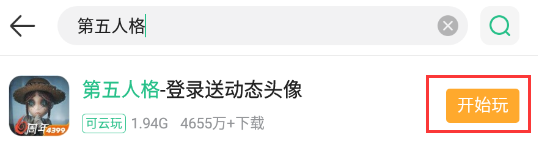
style="font-size:12px;">进入游戏盒,搜索孩子玩的游戏,比如:第五人格,点击开始玩
<strong>style="font-size: 18px;">style="color: rgb(255, 0, 0);">第三步:strong>
style="font-size:14px;"><strong>(1)第五人格截图方法:strong>
进入游戏后,点击右上角的个人信息
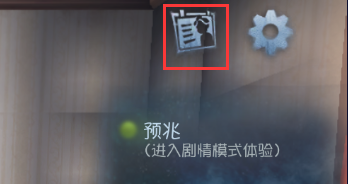
将下图这个游戏角色截图发给客服即可
 style="height:344px;width:600px;" />
<strong style="font-size: 14px;">(2)造梦无双(online)截图方法:strong>
点击开始游戏,选择孩子平时游戏的区服
style="font-size:12px;">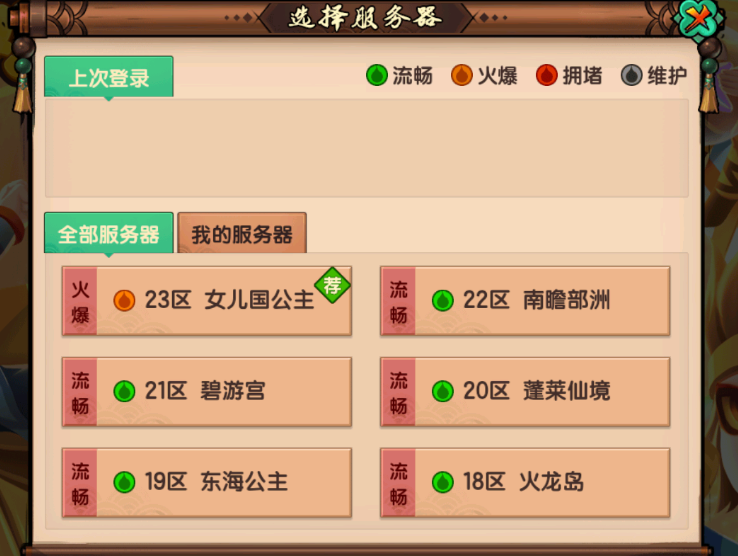 style="height:452px;width:600px;" />
style="height:452px;width:600px;" />style="font-size:12px;">选好区服后,开始游戏,点击左上角的头像
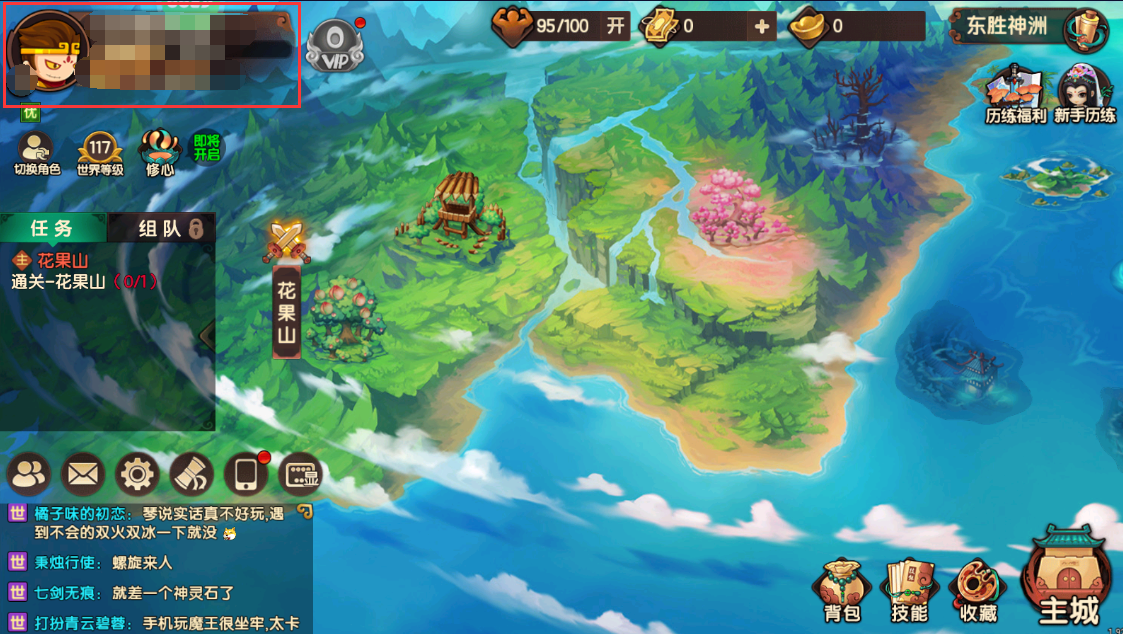 style="height:339px;width:600px;" />
将下图这个游戏角色截图发给客服即可
 style="height:376px;width:600px;" />